A multi-agent engine that adapts to your project, team and business. AI that augments enterprise, automates the mundane and elevates human ingenuity. From intricate cross-functional partnerships to a solo founder startup, Agent V translates expert vision into strategic execution.
Project Automation
Agent V defines the roadmap, objectives, resources, timelines, assignments and execution. Automated specifications, documentation, requirements, constraints, and success criteria.
Simple & Versatile Design
A lightweight React app that selects models based on real life benchmarks within your workflow, with persistent memory, and a token saving engine.
AI Team Integration
Project Management, Sales, eCommerce, Retail, Analytics, UI/UX, Engineering, Marketing, Finance, & R&D.
Decisions
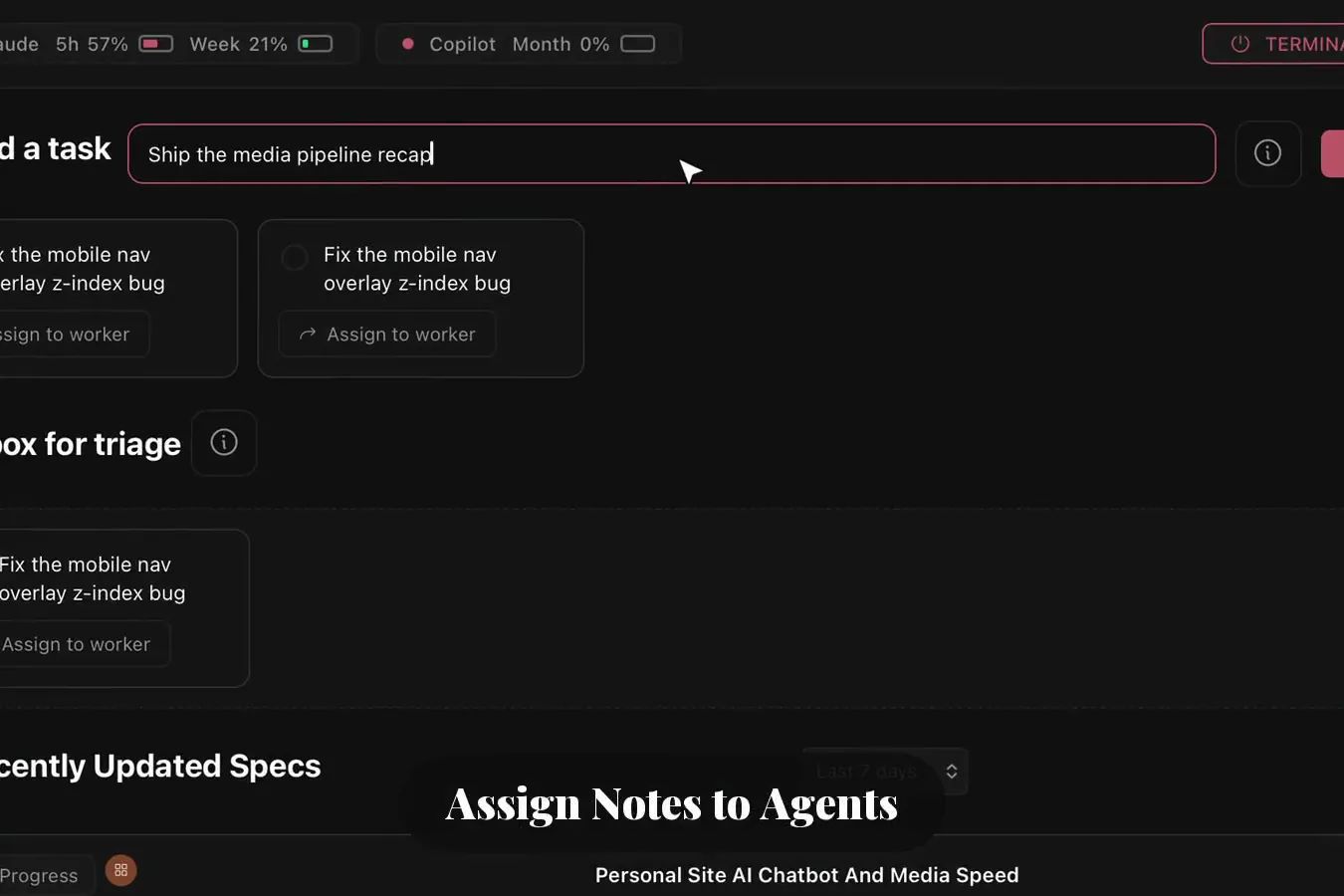
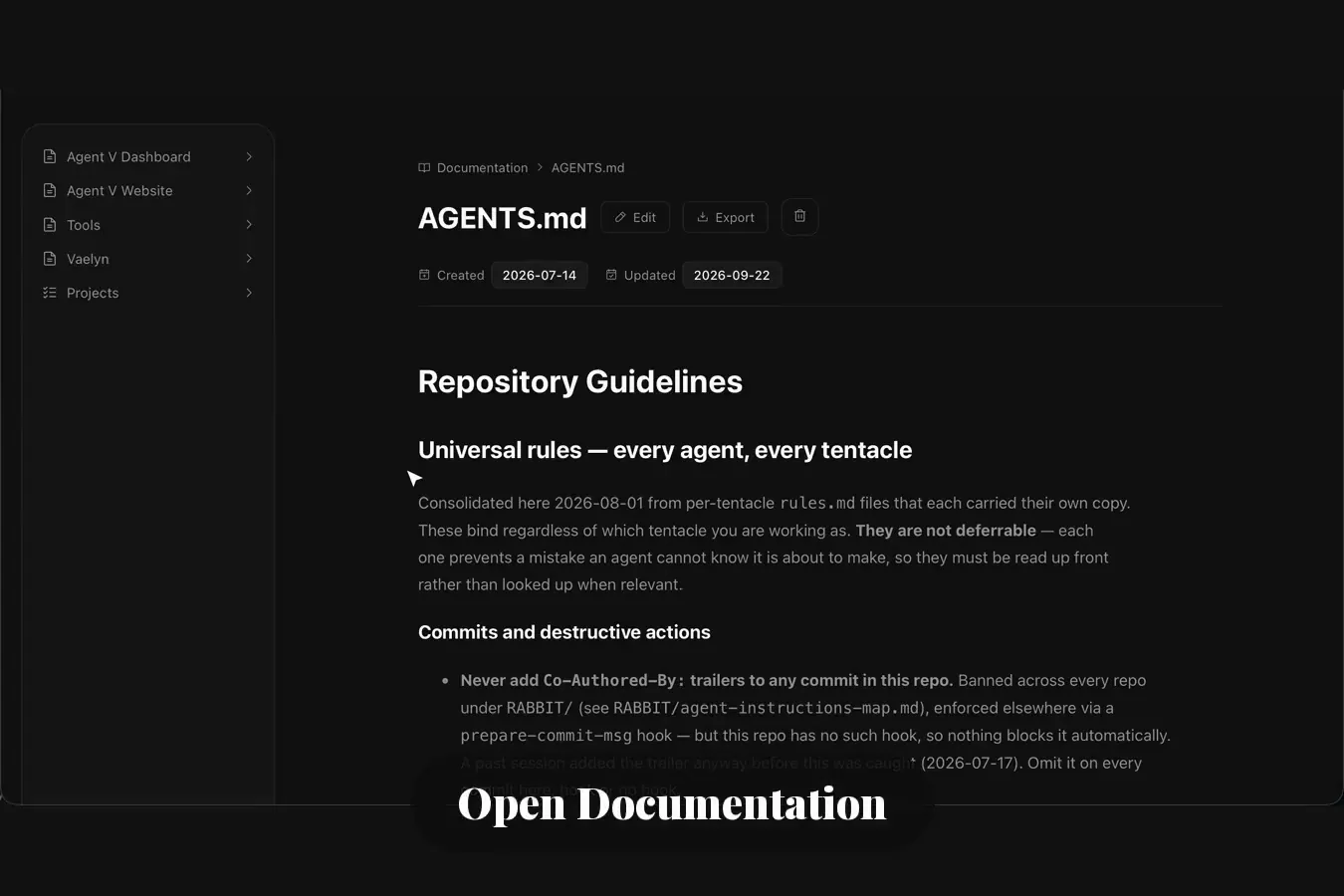
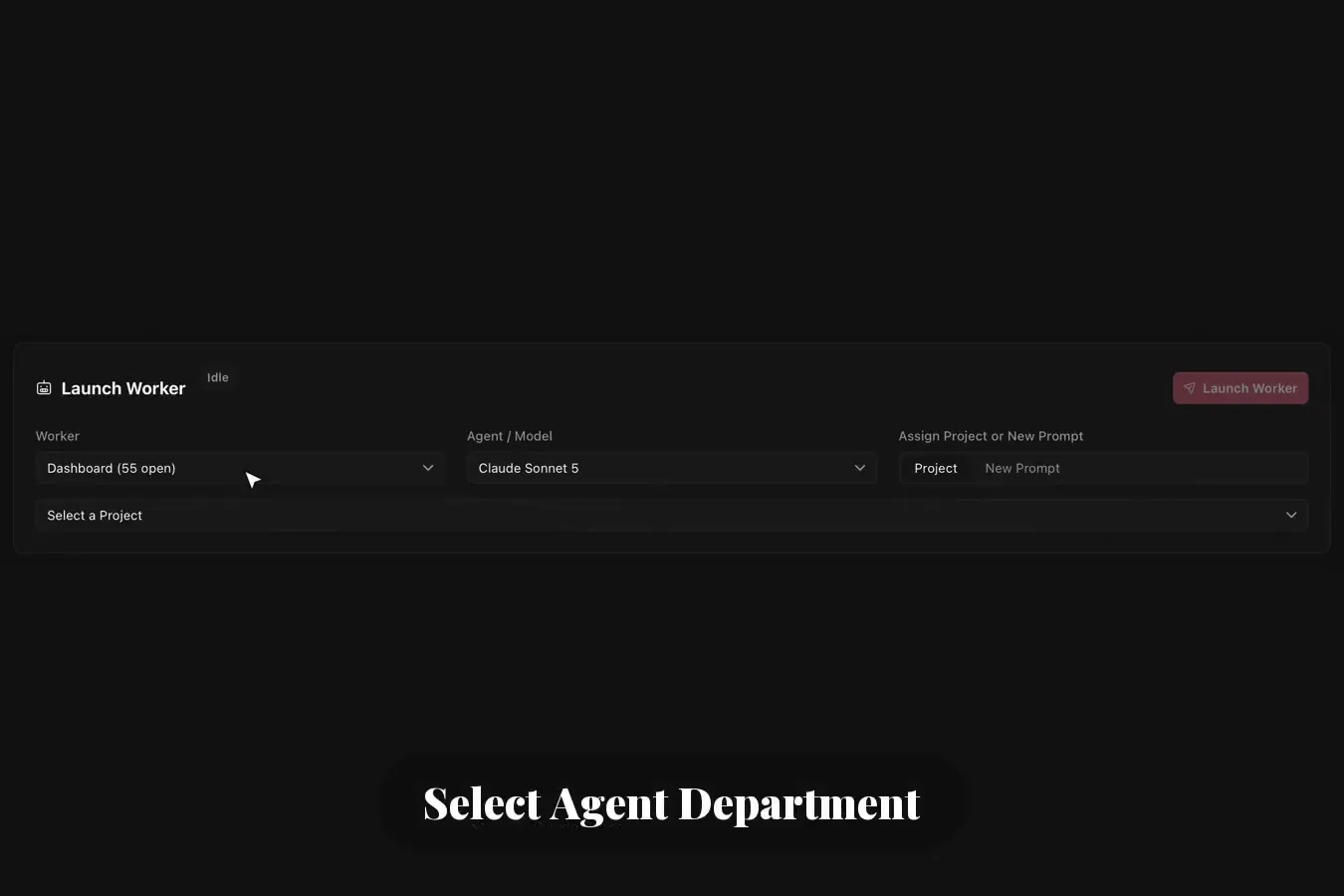
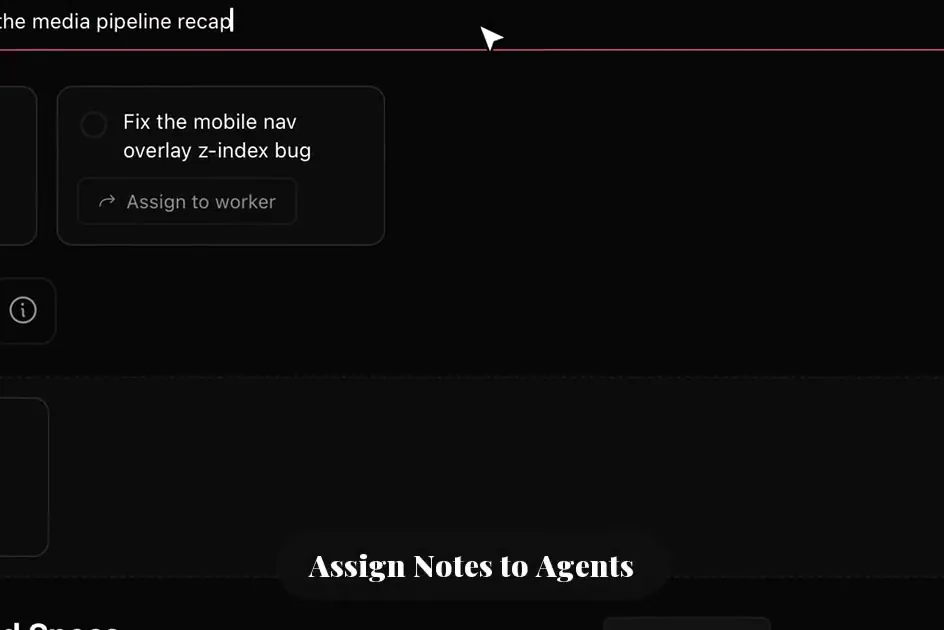
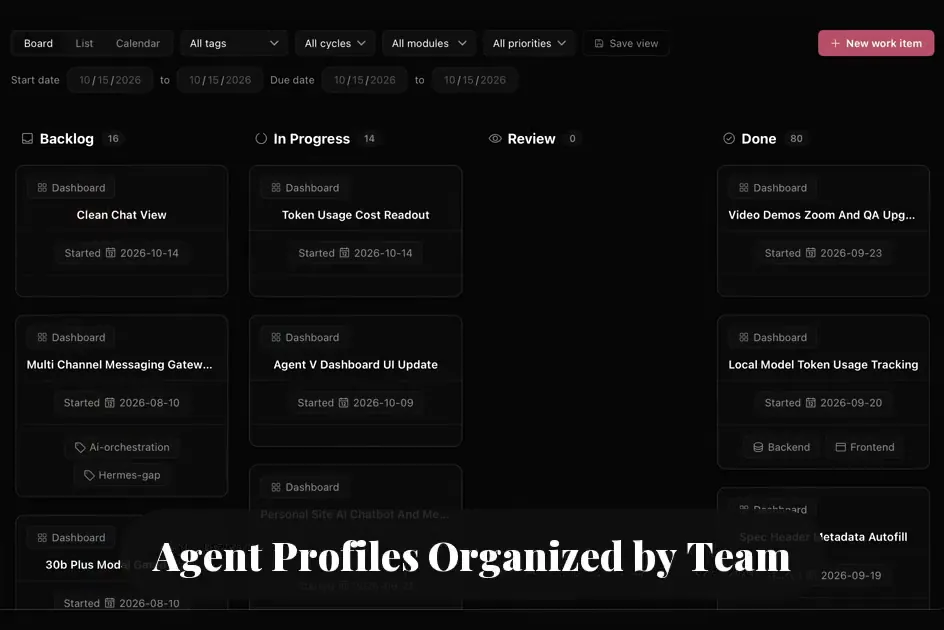
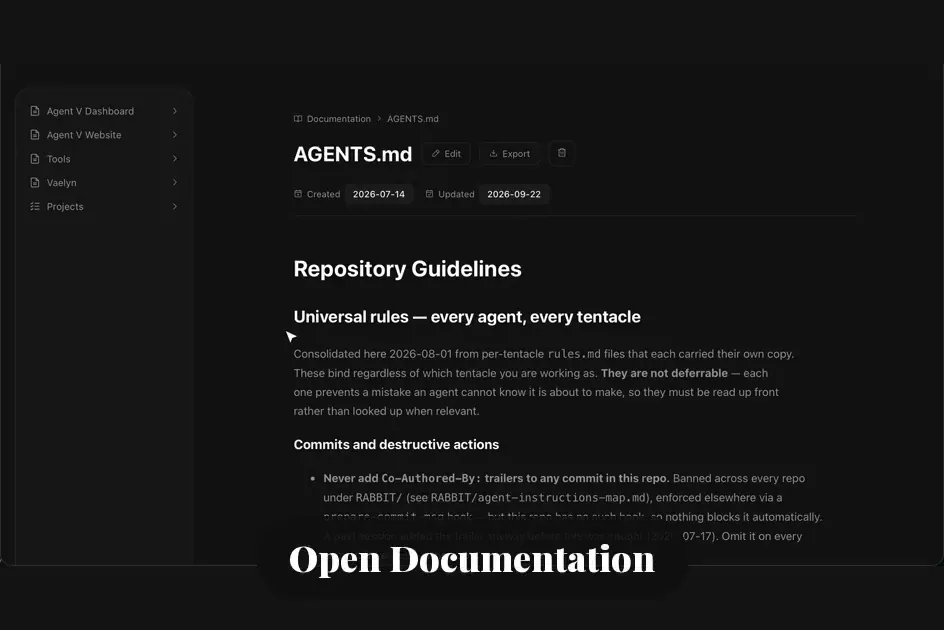
Agent V uses sorting logic to parse information deterministically, categorize tasks, and provide structured documentation at each stage of the process. Automated task management collects raw data extracted from email, notes, Slack messages, or meetings. Tasks are then funneled into existing projects and project calendars. For new tasks, agents create the project: research, specifications, dependencies, and launch timelines. Documentation is created and organized automatically, sorted by project category or department, then assigned to teams, individuals, and specialized agents. Agent scope, files, tools, and skills are injected at the start of each session based on existing projects or a new project parameter.
Operations
Management
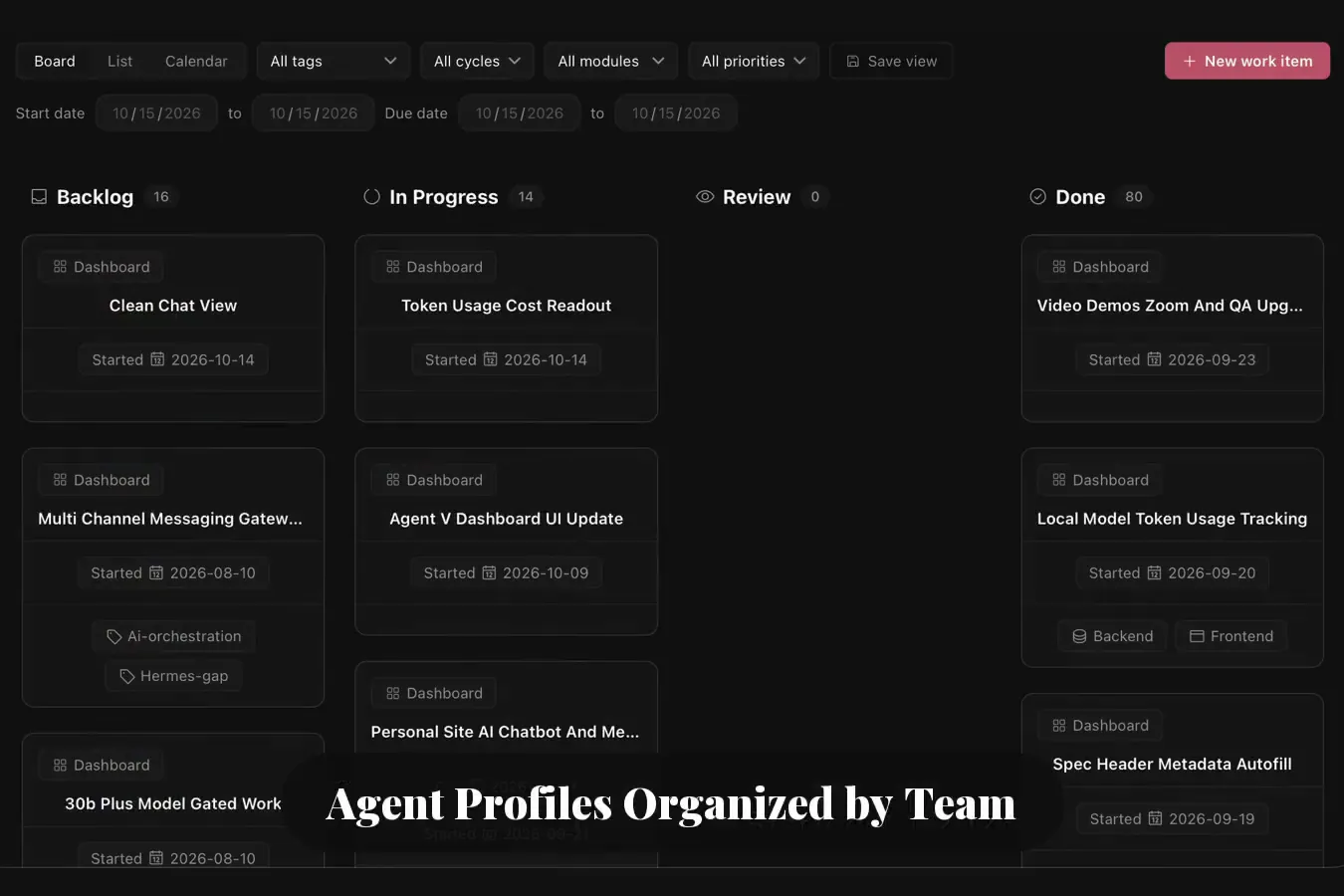
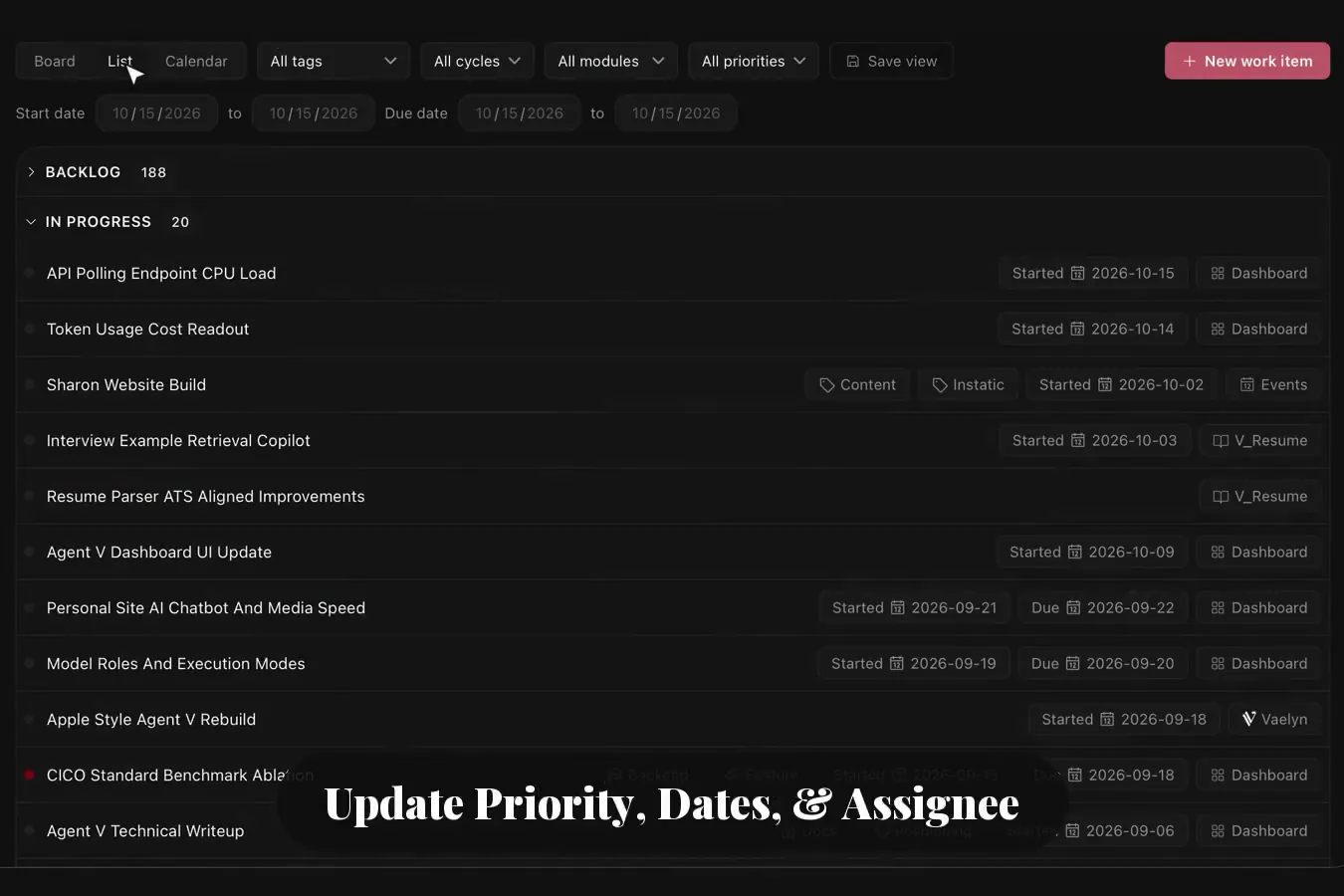
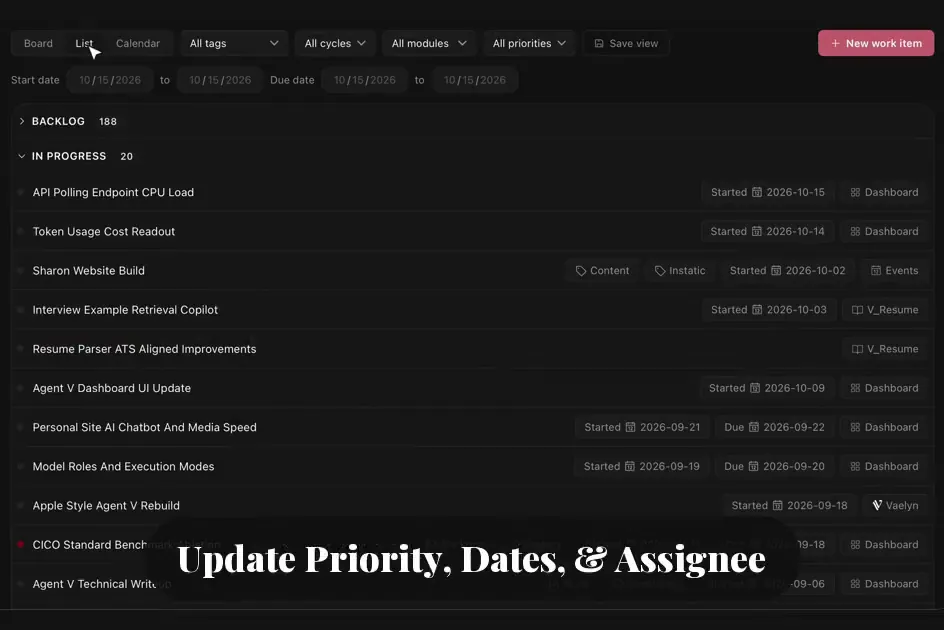
Teams, departments, and individuals are assigned deterministically, then projects, dates, priority labels, and dependencies are filled by agents with final approval from department managers. Autonomous agents can touch real business data and even sequester sensitive data through gated user and agent permissions. Autonomous work comes with gated decisions and a final verification assigned to an individual user, team, department, or even another agent. Run a business by yourself by assigning a group of agents, or develop a new product where each team member and department is assigned automatically based on work category.
Management
Pipeline
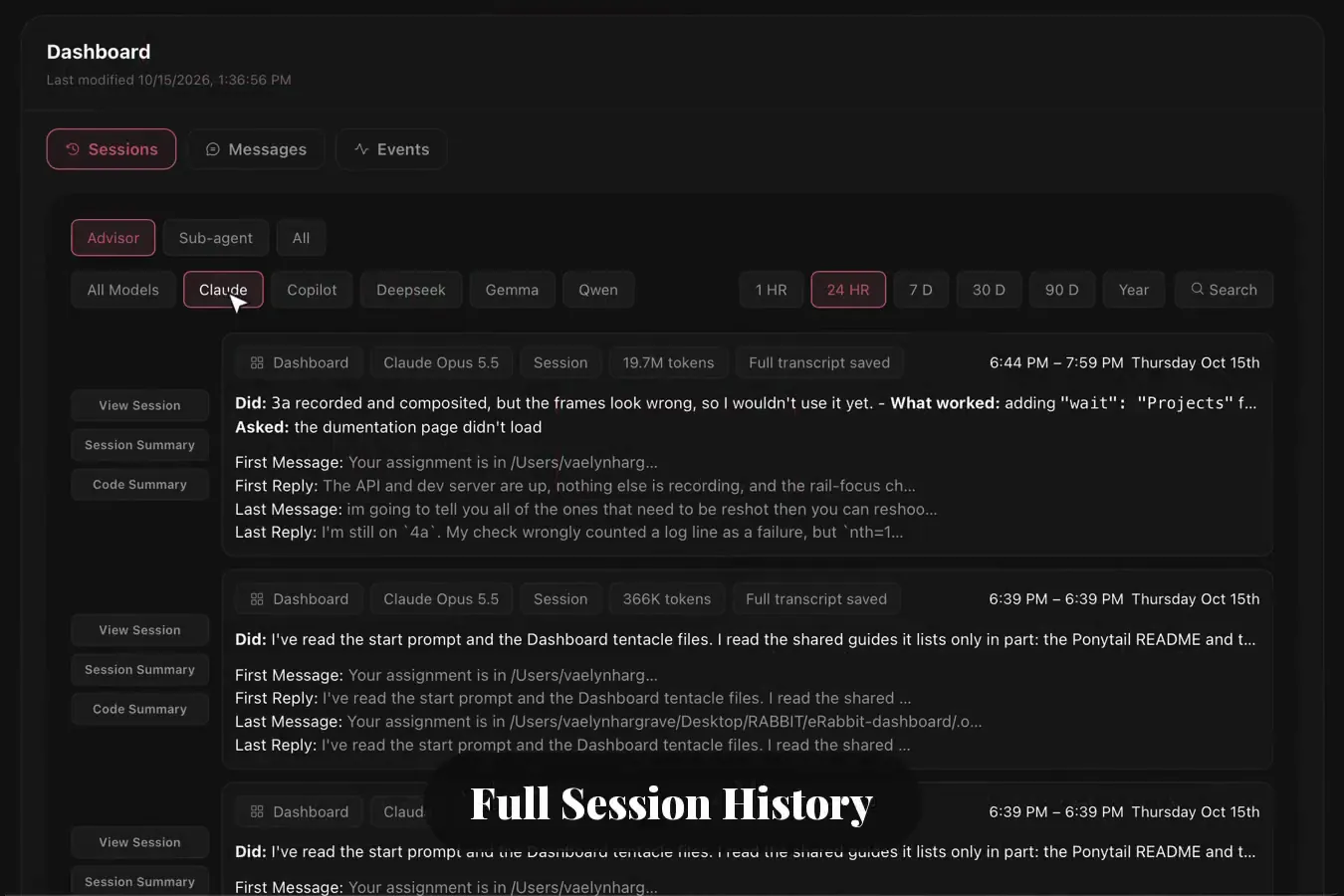
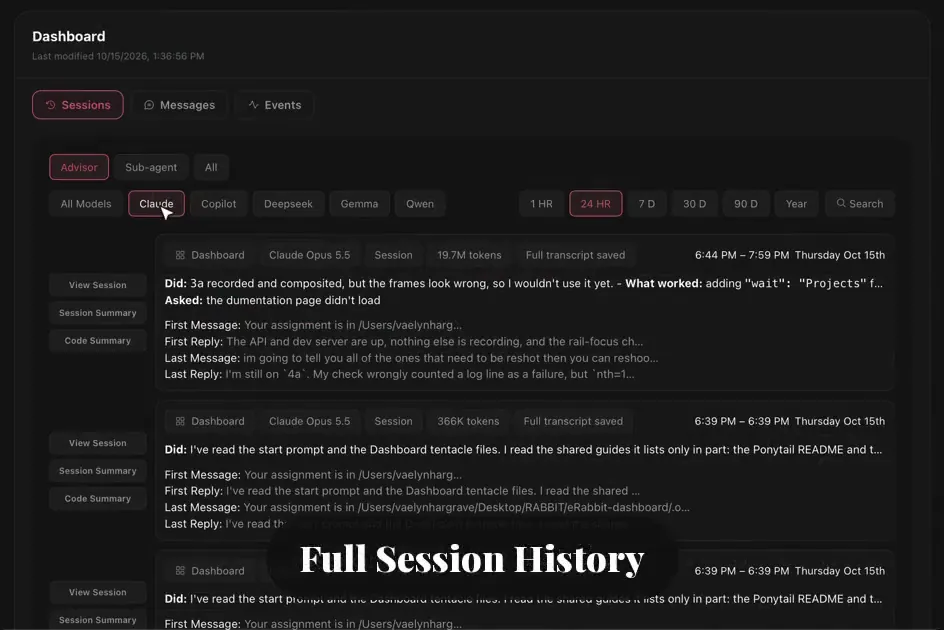
Resume a project with full session history that connects deterministically to the project documentation. Agents can easily resume work with a built in checklist to view completed tasks and resume work with session summary, full session filepaths, and documentation links.
Decisions
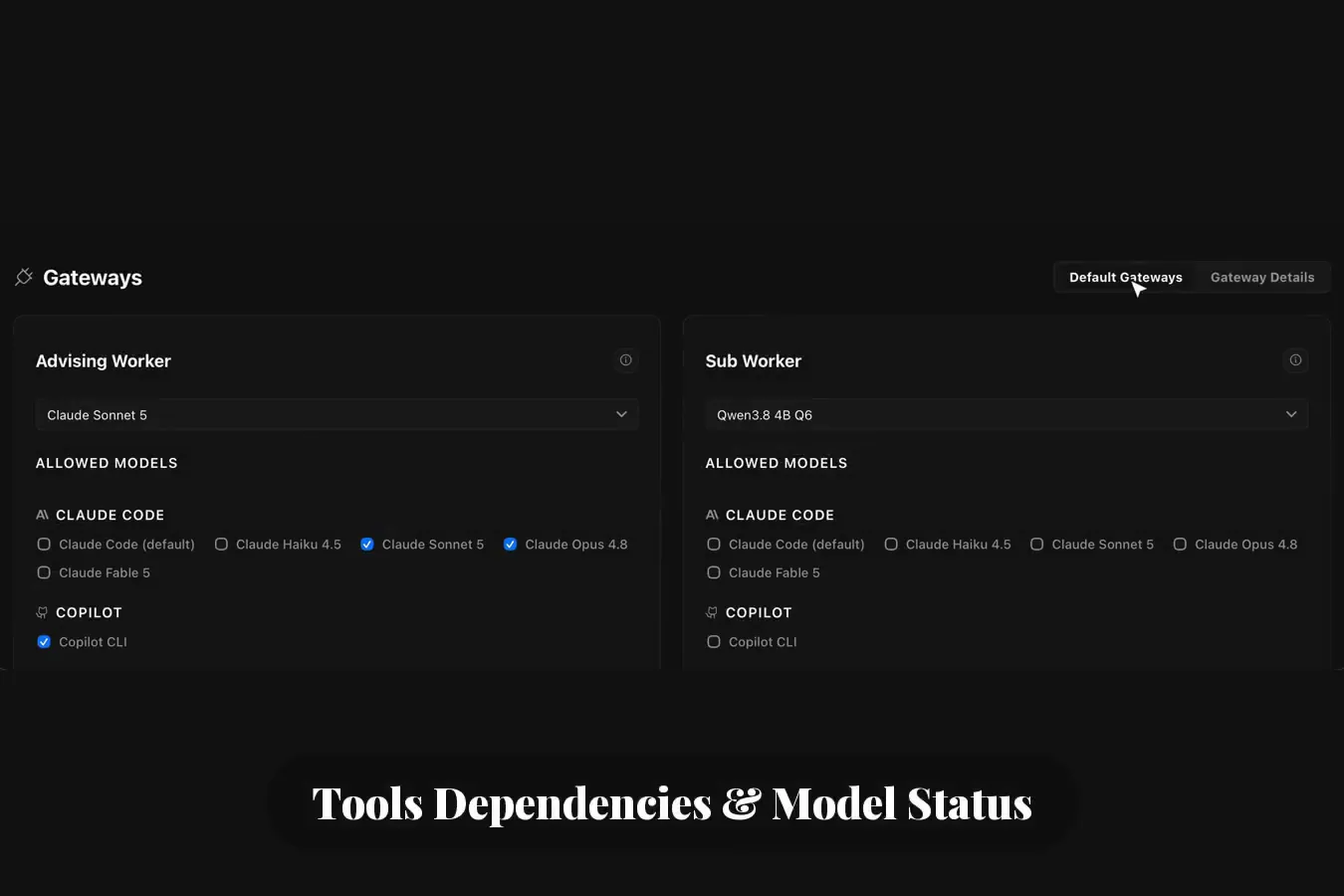
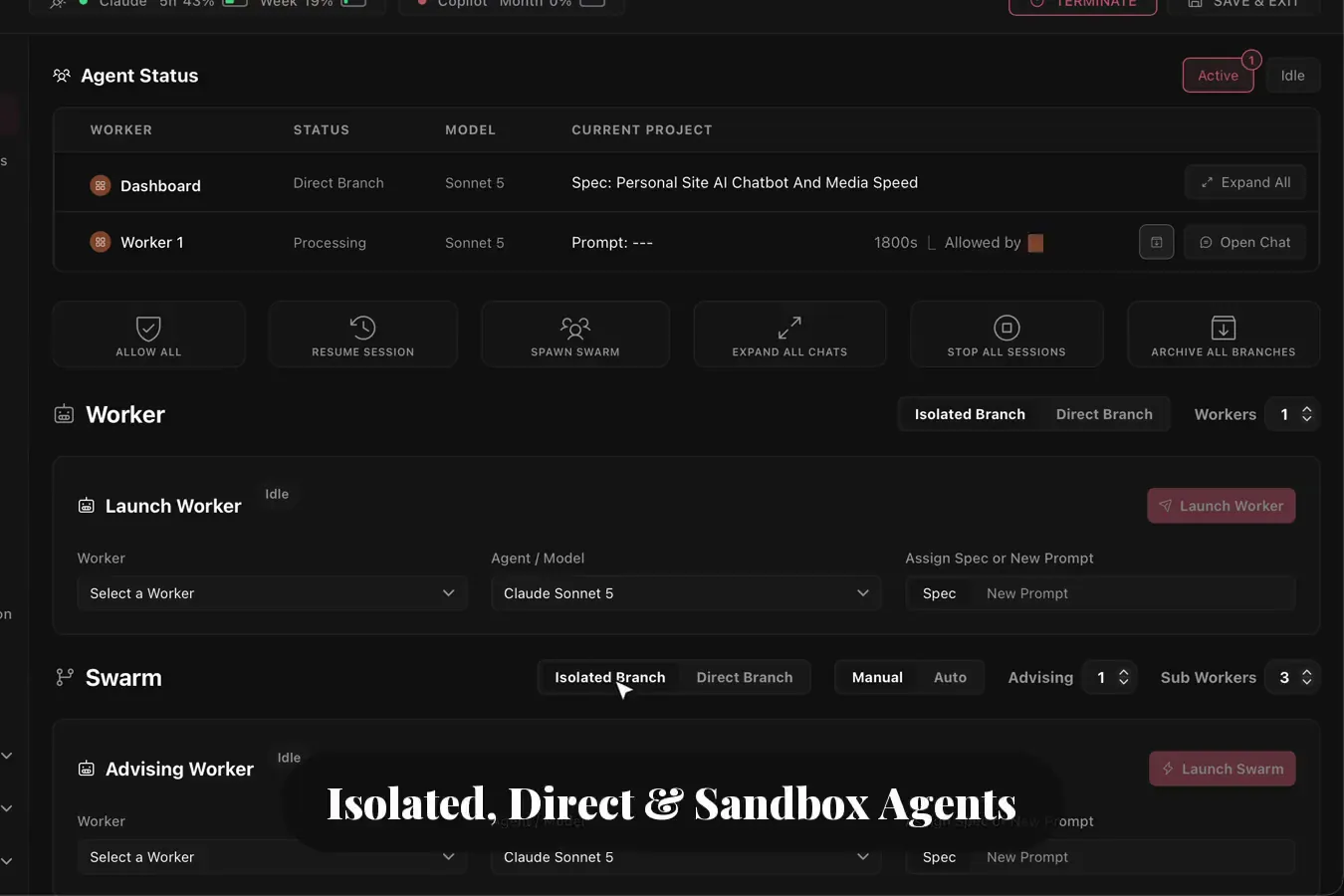
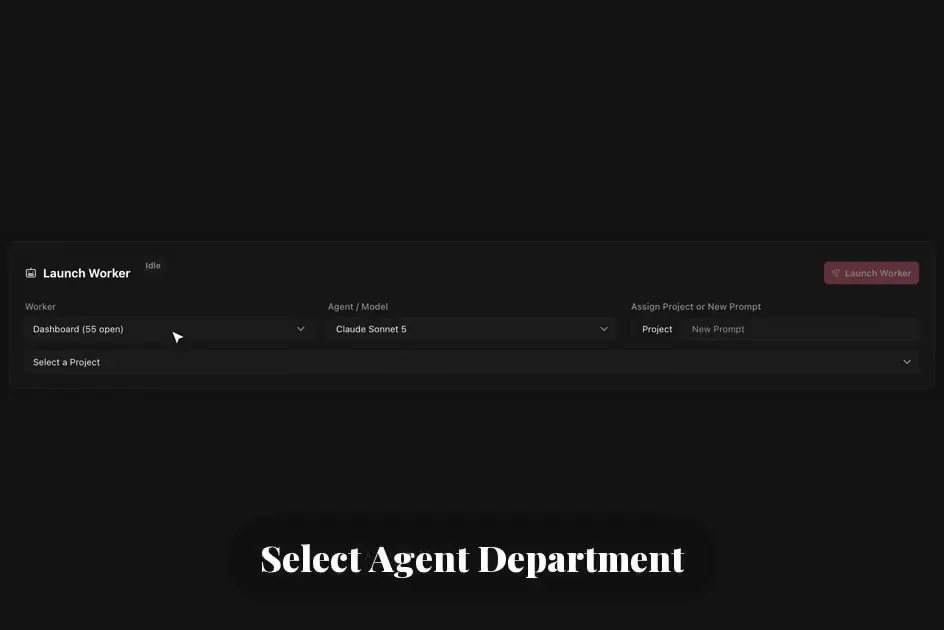
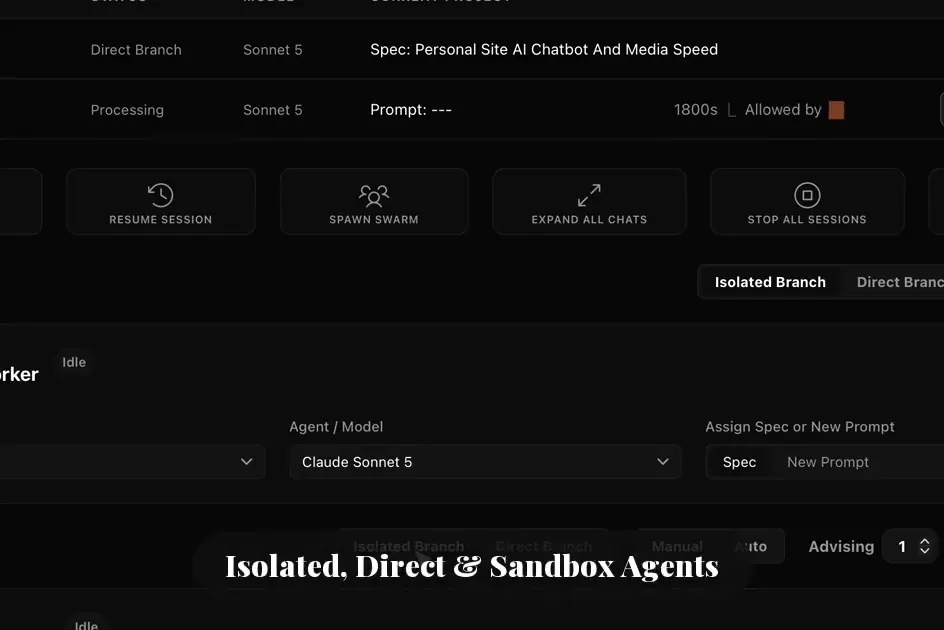
Each project runs on a system of agent model capability tiers that are classified as an Advisor or Sub Agent. Advisors orchestrate high level planning, then route project deliverables into a granular checklist for Sub Agents. Sub Agent models are verified and tested based on work performance in real life scenarios: in your codebase, projects and tasks. Sub Agents are sandboxed into a separate worktree by default, to avoid code damage or deletion. Advisor Agents can be set to commit to direct or indirect worktrees within your codebase with automated testing prior to final approval and launch. Agent Swarm, separate worktrees, and other Sub Agent work are woven together at the end by Advisors to prevent untested work from affecting your codebase.
Decisions
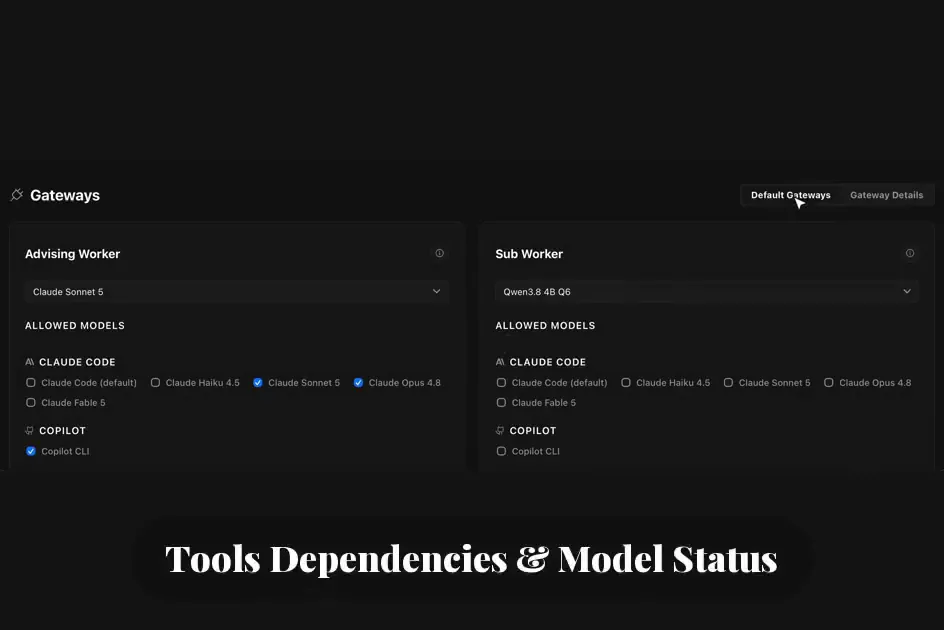
Traditional benchmarks use the same uniform tests to define performance. Models are trained on those tests directly and outperform in testing, only to fail in the field when used in real scenarios. Agent V reviews agent model output and instantly tracks performance data to its testing memory. Succeed, and the model continues to receive assignments. Fail, and the orchestration agent will discuss removal or replacement. Model performance shapes future assignments, capability, and specialty. Agent models have a toggle selection in settings that determines their Sub Agent or orchestration-agent classification. The toggles can be selected manually after the system benchmarks the agents against a real-life scenario.
Decisions
Cost & Safety
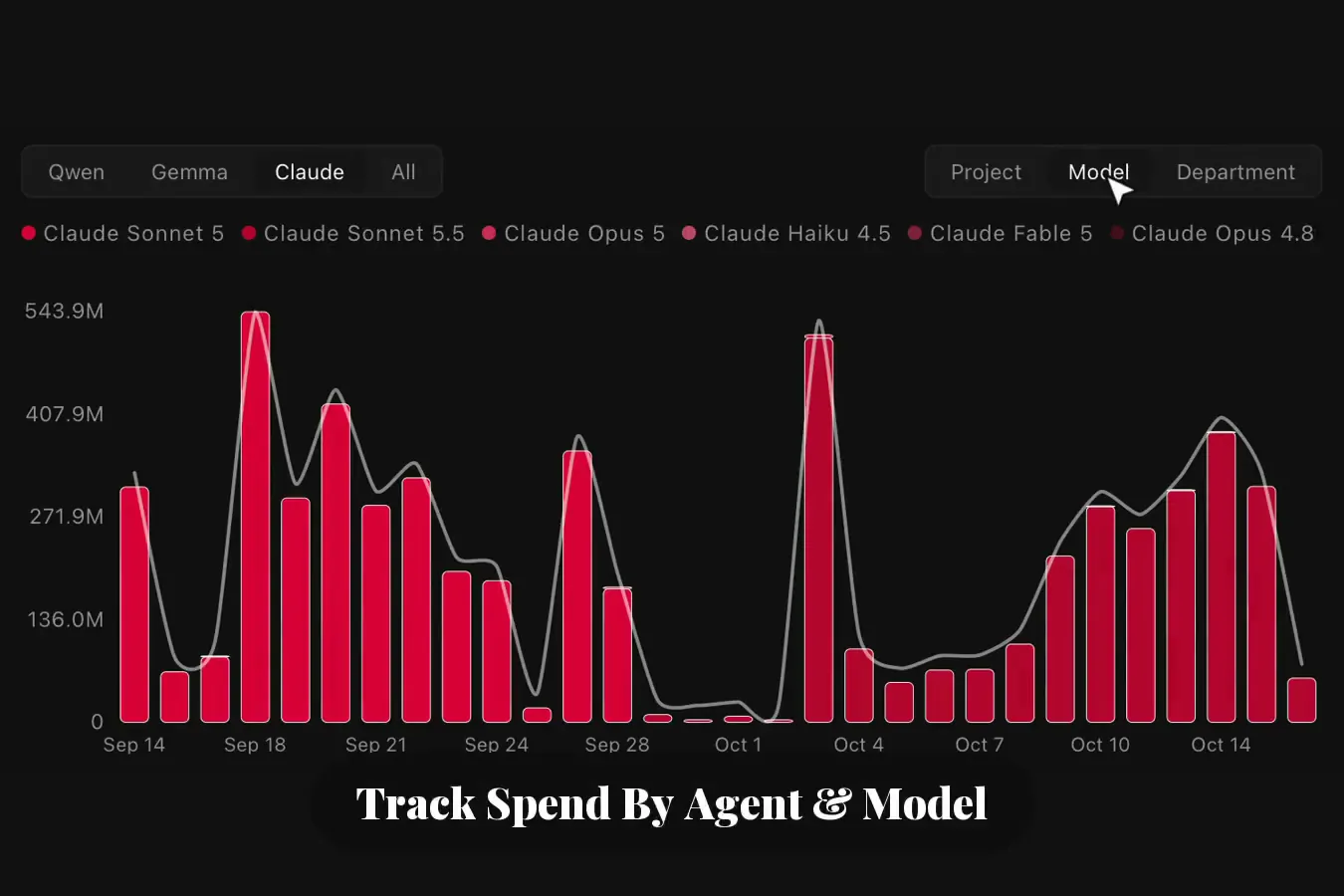
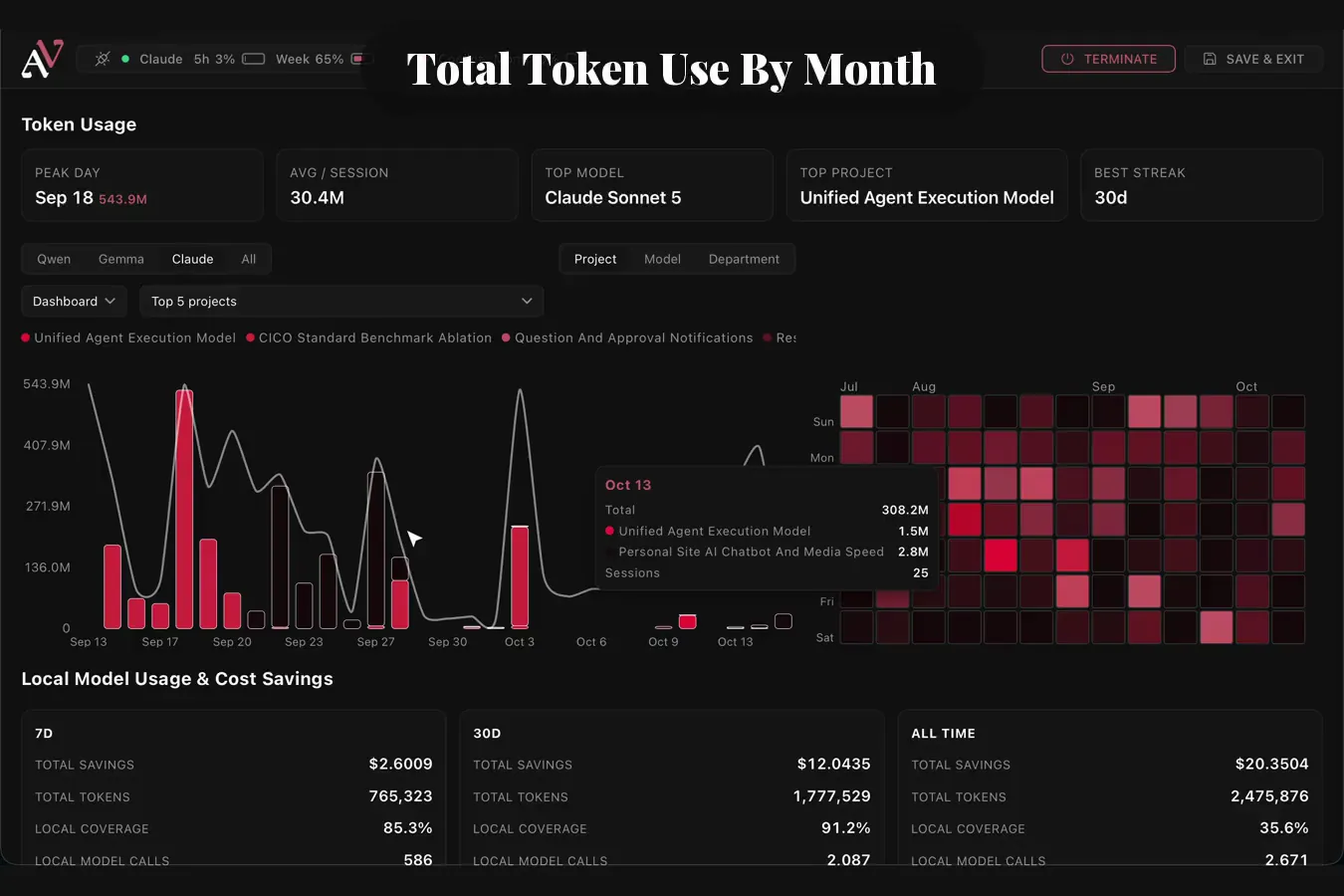
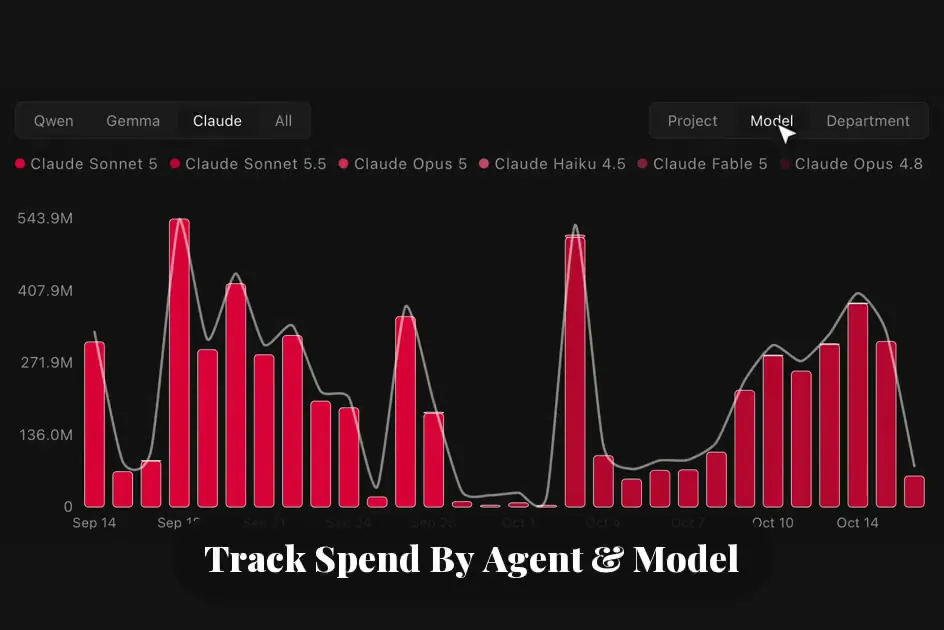
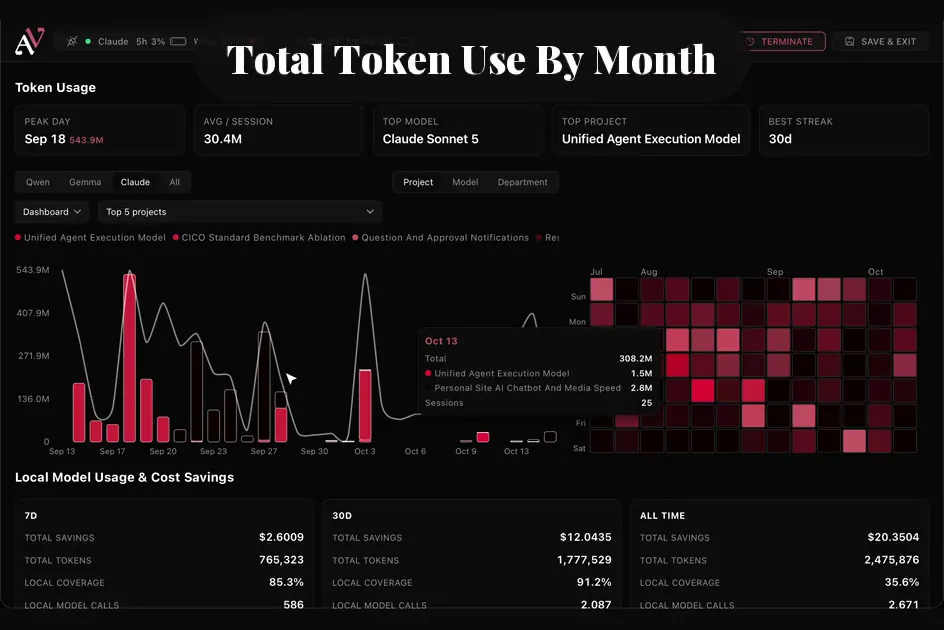
Agent cost visibility is standard at every stage of the process. The system connects seamlessly to your favorite LLM or coding tool, such as Claude Code, Copilot, or ChatGPT, with estimates of cost savings for local self-hosted agents. The Agent V harness was built with token savings as a core tenet. Agent guardrails and transparency require measurable agent usage data to act on. The token dashboard tracks agent spend per agent, per model, and per dispatched worktree, and business spend by department, by team, by project, and by individual. In practice, the system deterministically dispatches small models like Haiku to reduce token spend, or local models to remove the cost entirely, with savings measured against the current average API cost of your favorite orchestration agent.
Cost & Safety
LLM processes are now affordable, and business data stays private by default. Compatibility for self-hosted and cloud agent providers, with budgets for tokens, context from the code graph, session history, and approval infrastructure that maintains continuity under one provider abstraction. Full visibility and control over your agent where swapping models, resuming sessions, or finishing a project is simple point and click. Diff validation is guaranteed and sandboxing carries zero risk, and original files stay protected across multiple workflows running in parallel. Once work completes, the orchestration agent is alerted automatically: completed work is collected, tested comprehensively, and retested against the current codebase, then the agent either commits to the worktree or commits and pushes to main, based on a direct/indirect toggle the user sets per project.
Platform
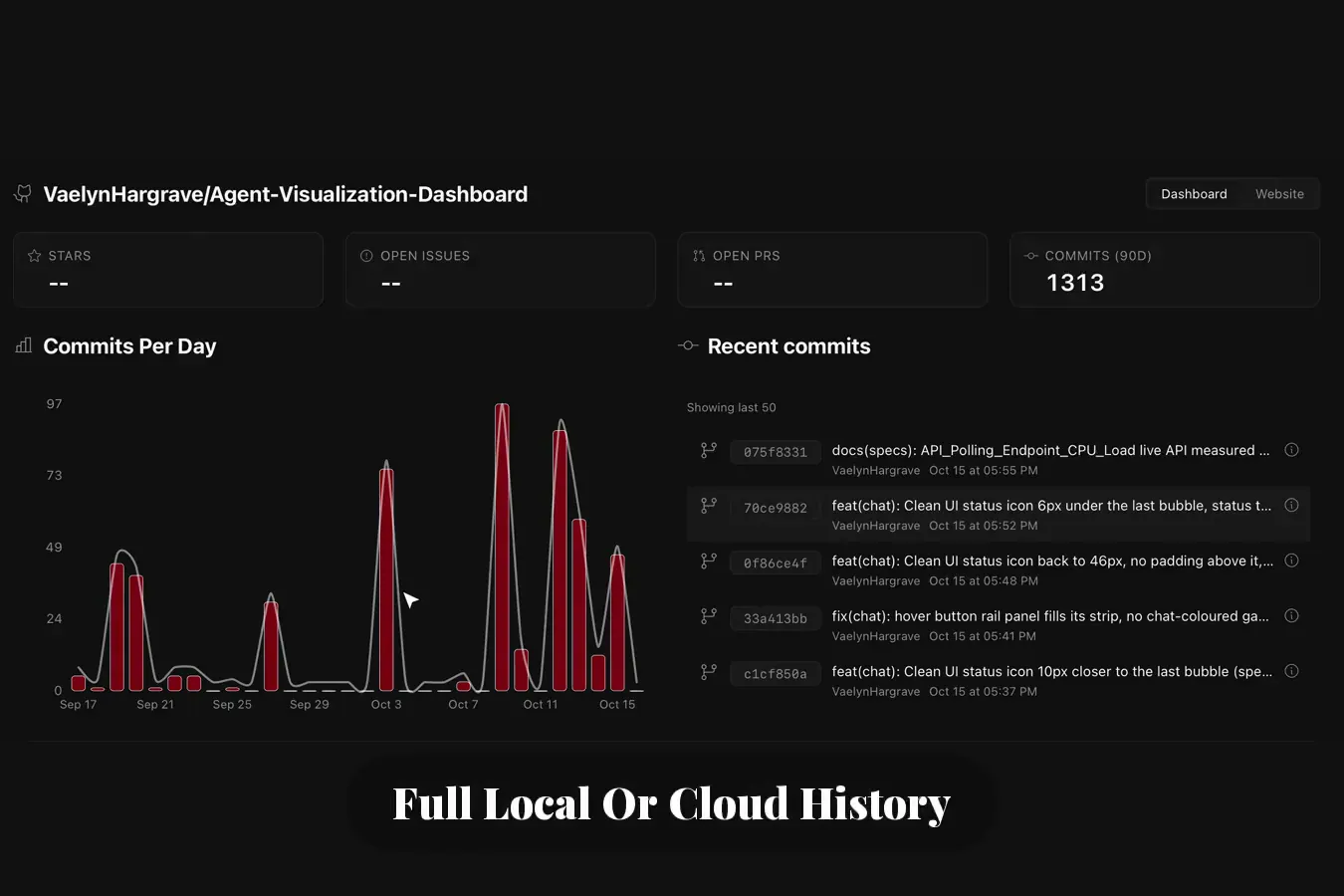
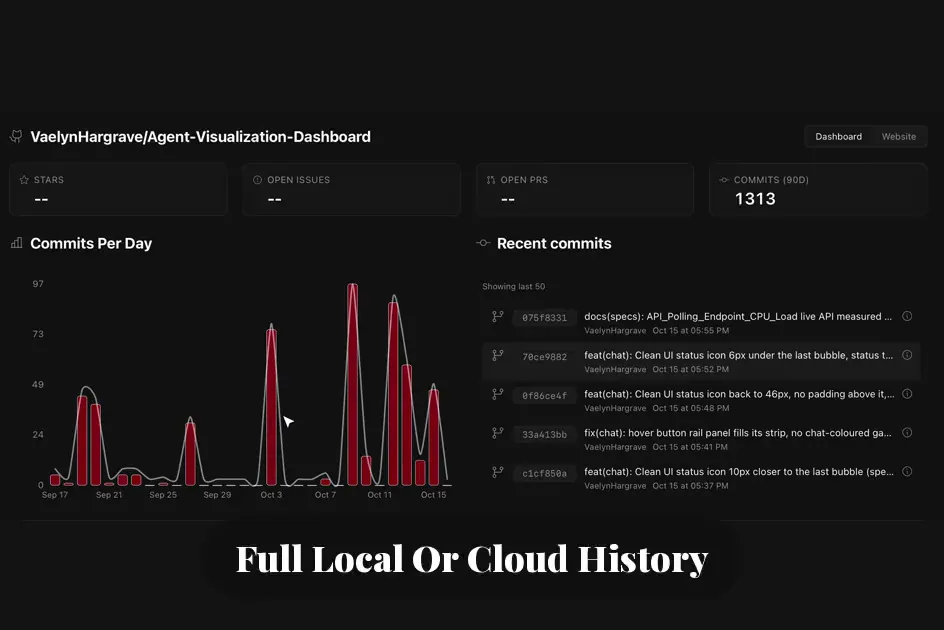
Security and third-party visibility run underneath everything else. Multi-user identity and permissions, with login hashed via scrypt, revocable sessions, group or individual login access, API tokens issued per user, and a detailed user history behind every update in the audit log. A single Integrations panel shows live connected/error/not configured status for every third-party tool for UI/UX design, web crawling, codebase memory graphs, GitHub, Kanban, Playwright and more. The GitHub page shows live merged PRs, open issues with staleness flags, releases, and branches without PRs pulled straight from the real API, not mocked. A Code Intel page renders real arc diagram and donut chart visualizations over a code graph derived from an AST, with Search and Trace tabs.
Platform
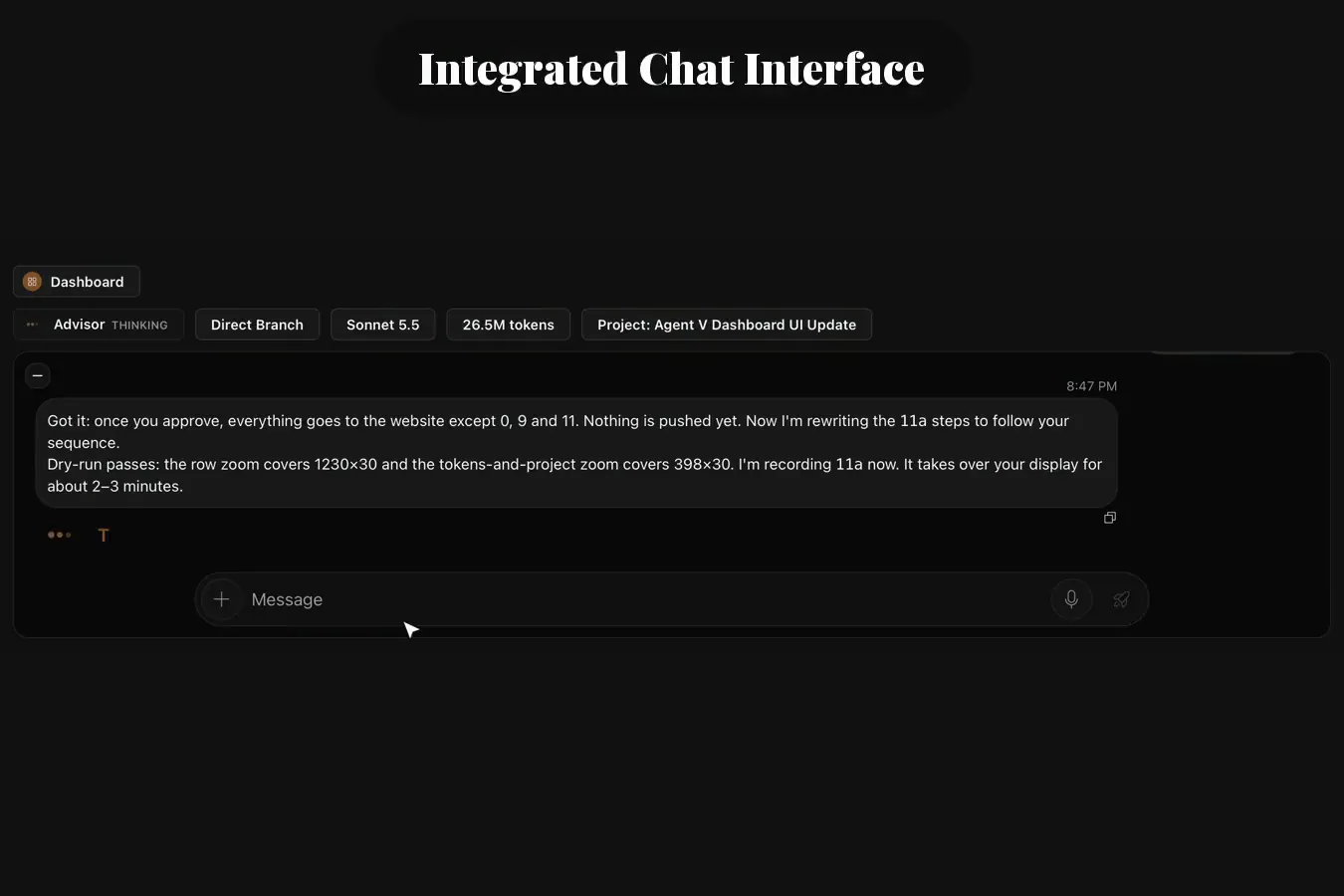
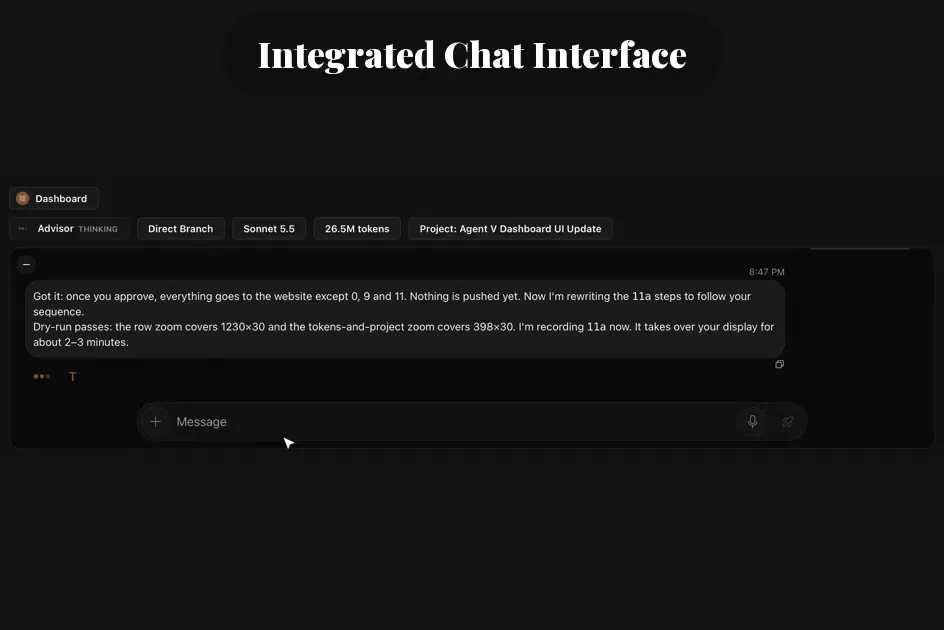
The interface stays visible while agents work, not just after they finish. Notifications cover a range of events: questions from an agent, sessions whose context has grown too large, or a worktree's project finishing. Every notification is surfaced across dashboard pages, agent sessions, and calendars. The multi-worker chat overlay now supports four independently sized states per worker (Full/Medium/Small/Fully Minimized). Smart layouts minimize Sub Agents and expand the orchestration agent's chat, with a mini toolbar for each worker showing that agent's active tasks and the model currently in use. Formatted chats, projects, and documentation content is rendered through one secure and sanitized pipeline.